Grok Bot meters jumped: why the X Subscription's weekly pool can't be audited
One weekly pool now spans Cursor, Grok Bot and the Grok apps, but with no per-model rates published, users cannot verify a sudden meter jump.
When many X users reported on 1-2 November 2026 that their weekly Grok Bot usage meter had jumped overnight, nobody outside the vendors could say why. The cause cannot be confirmed from published pages, and the design of The X Subscription explains the gap. It puts several products on one weekly pool, measures that pool as a percentage, burns it at per-model rates nobody publishes, and sells tiers only as multiples of a base pool whose size is never stated. When a meter moves in a system built that way, a pool change, a rate change, a display problem and ordinary heavy use all look the same from the outside.
This analysis rests on Cursor’s pricing and models-and-pricing pages, checked 2026-10-30, and on the Cursor help pages “Usage limits” and “The X Subscription overview” plus the xAI docs page of the same name, all re-read on 2026-11-02. The reports from X users are user reports, not vendor statements.
One subscription, one pool, one-way switch
Cursor is now sold as part of The X Subscription, which bundles Grok, Cursor and X. The xAI docs state the central design rule plainly: “Grok and Cursor usage draw from the same included pool.” Cursor’s help page says “every paid plan includes one weekly pool of usage for Cursor models,” and that the pool is “shared across Cursor, Grok Bot, and the Grok apps.”
Four Cursor models sit in that pool: Grok 4.7, Grok 4.6, Grok 4.5 and Composer 2.5. Inside Cursor, the pool covers Agent in the editor, the CLI and Cloud Agents. A long Cloud Agent run and a quick question to Grok Bot therefore draw from the same balance. The pool “refreshes weekly,” and “Unused included usage does not roll over on either kind of plan.” Legacy Cursor plans, meaning those from before The X Subscription, reset monthly with the billing cycle instead.
Switching is optional. Existing plans continue unless changed. But the xAI docs are blunt about the exit: “The switch is permanent.” They add: “It can’t be undone, and Support can’t undo it for you.” At checkout, the selected Cursor, SuperGrok and paid X Premium subscriptions are cancelled with a prorated refund for unused time, and a new billing cycle starts on the day of the switch. App Store and Google Play subscriptions must be cancelled in the store settings.
This matters for the audit problem. A permanent switch into a system whose consumption cannot be independently checked asks users to accept the meter on trust. That trade may be fine for some buyers, but it should be made knowingly.
Why a percentage meter hides the cause
The meter shows usage, the next reset date and prepaid credit under Usage at grok.com/dashboard, and the Cursor editor settings show the same remaining usage. That is the whole instrument. For an outsider to audit a change in it, three things would need to be known: the size of the pool, the rate at which each action consumes it, and which products consumed it. The published pages supply almost none of this.
Start with rates. Cursor’s help page says “your model selection affects how quickly your included usage is consumed,” so different models draw from the pool at different rates. But Cursor publishes no per-model multipliers, no request counts and no credit counts for the pool. A user knows that Grok 4.7 and Composer 2.5 may burn at different speeds, but not by how much. Without the rates, a user cannot predict what a task will cost, and cannot check afterward whether the meter moved by the right amount.
Next, the denominator. A meter reading 46% means something only if the pool’s size is known. The pool is never given in requests, credits or tokens. It is described only as a base pool, and the tiers are multiples of it. A percentage of an undisclosed quantity can be compared with itself over time, but it cannot be verified against anything external.
Finally, the shared drain. Because Cursor, Grok Bot and the Grok apps share one pool, a user watching the meter in one place cannot rule out consumption in another. An agent running in the background, a CLI session or a Cloud Agent can all raise the same number. That is why the first thing to check after a surprise jump is whether any of those tools ran.
Timing adds more noise. The next reset date is per account and shown in the dashboard. Two users on the same plan are therefore likely to be at different points in their weekly cycle when they compare notes. Legacy plans reset monthly. A thread of screenshots from many accounts mixes pool states that are not directly comparable.
The tiers are multiples of a number nobody sees
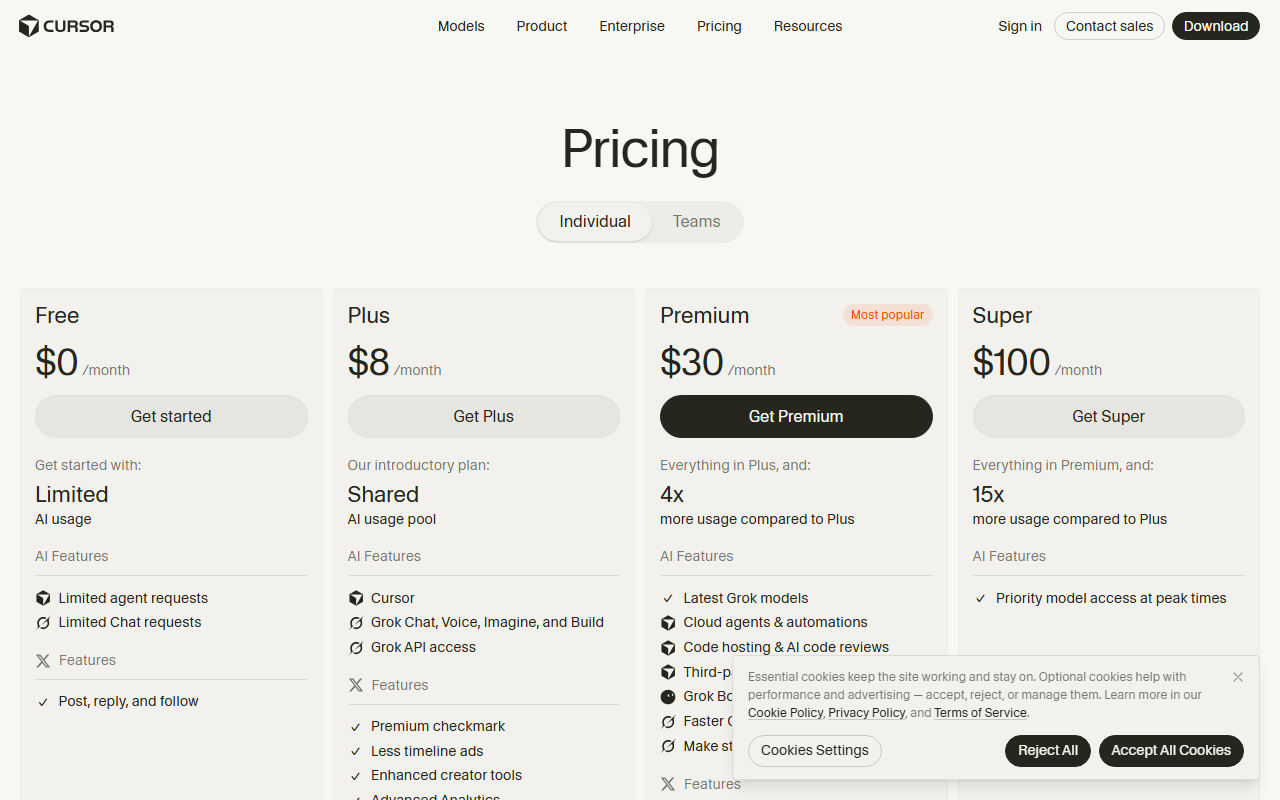
Cursor’s pricing page, checked 2026-10-30, describes every tier relative to Plus. Plus is $8 per month ($80 per year) and is the base pool. The other tiers are stated only as multiples of it. The arithmetic below uses nothing beyond those prices and multiples.
| Plan | Monthly price | Pool vs Plus | Price vs Plus | Pool per dollar vs Plus |
|---|---|---|---|---|
| Plus | $8 | 1x | 1x | 1x |
| Premium | $30 | 4x | 3.75x | about 1.07x |
| Super | $100 | 15x | 12.5x | 1.2x |
| Ultra | $200 | 50x | 25x | 2x |
The annual prices ($300, $1,000 and $2,000 for Premium, Super and Ultra) keep the same ratios against Plus’s $80. Premium gives 4x the usage for 3.75x the price. Super gives 15x for 12.5x. Ultra gives 50x for 25x, which means Ultra’s pool per dollar is twice Plus’s. Teams cost $30 per seat, with usage matching the seat’s tier, which the pricing page puts at 4x to 50x Plus.
The table shows value, but it also shows the limit of the information. Every row is relative to a base that is never converted into a unit. If the base pool changed, every tier would change with it, and the published multiples would still read exactly the same. This suggests that the multiples are a stable-looking surface over a quantity that can move without any visible edit to the pricing page. That is an inference from how the pages are written, not a claim that anything moved.
Plus also comes with fixed settings: Fast off, medium effort and Grok 4.7 at 256k context. It has no Auto, Cloud Agents, Automations, Bugbot, Origin, third-party models or own API keys. A Plus user is therefore constrained in how they can spend the pool, which narrows the ways a sudden jump could be self-inflicted, though it does not remove them.
What the overnight reports show and do not show
On 1-2 November 2026, many X users posted that their weekly Grok Bot usage meter jumped overnight. The examples given were 33% to 66% and 46% to 92%. Some users said they were locked out with usage left the evening before.
Both examples are exact doubles. The pattern is striking, and it invites an explanation such as a doubled burn rate or a halved pool. It would be a mistake to treat that as established. Two examples are not a dataset, the posts are unverified, and a meter that doubles for two users could double for different reasons. A doubling is consistent with several mechanisms, and a published page would be needed to say which, if any, applies.
The vendor side offers no help. As of 2026-11-02, neither Cursor’s help pages nor xAI’s X Subscription docs mention any change to usage rates, and the pages carry no update date. Both facts cut in two directions. The absence of a stated change does not show that none occurred, because pages with no update date cannot reveal when they were last edited. It also does not show that a change occurred. The cause cannot be confirmed from published pages, and that is the accurate statement of what is known.
This is the real finding. The question “did the rate change?” has no published answer, and under the current design it may not be answerable by anyone outside the company. A user who wants to dispute a jump would need a baseline: the per-model rates before and after, the pool size, and a record of what ran. The documentation provides none of them. The dispute would be one person’s screenshot against a system that publishes only percentages.
Where the pool ends: prepaid credit and third-party models
Hitting 100% is not a hard stop in every case. Cursor’s help page says “You’ll see a notification in the editor,” and offers three options: “keep working from your prepaid credit, wait for your weekly pool to reset, or upgrade to a higher plan.”
Prepaid credit pays for Cursor-model usage beyond the weekly pool at the same per-model rates. Those rates are the unpublished ones, so the audit problem carries over: credit spent on overage is billed at rates a user cannot look up. The credit does not reset weekly. In Cursor’s words, “Prepaid credit doesn’t reset with your weekly pool.” Each top-up stays available until used or until it expires, currently 365 days after purchase.
Third-party models sit entirely outside the pool. Claude, GPT and Gemini are not in it. On Premium and above they are billed at API list price from the first request, out of prepaid credit. Free and Plus cannot use them at all. Teams and Enterprise pay an extra Cursor Token Rate of $0.25 per million tokens on eligible third-party requests, including bring-your-own-key. Grok API usage is billed separately and does not draw from the pool.
This split makes third-party spend the easier half to check, since list prices are public. Pool spend is the harder half. The more of a team’s work runs on Cursor models inside the pool, the less of it can be reconciled independently. That is a point worth weighing for teams that need to explain usage costs to finance, though readers should confirm current terms on the vendor’s site.
What to do
Check grok.com/dashboard Usage and the remaining usage in the editor settings, note the next reset date, and screenshot the meter with the time visible before contacting support, so there is a dated record to compare against later. Check whether Cursor Agent, the CLI or Cloud Agents ran, because they drain the same pool as Grok Bot and the Grok apps. Choose lighter models for routine tasks, since model choice changes the burn rate, even though the exact rates are not published. Decide before switching to The X Subscription because the switch is permanent, and remember that prepaid credit lasts 365 days while third-party models never use the pool.
The Stack Brief
Get the weekly brief
One email a week: SaaS pricing changes, launches worth knowing about, and one comparison you can act on.
Sources
Related stories
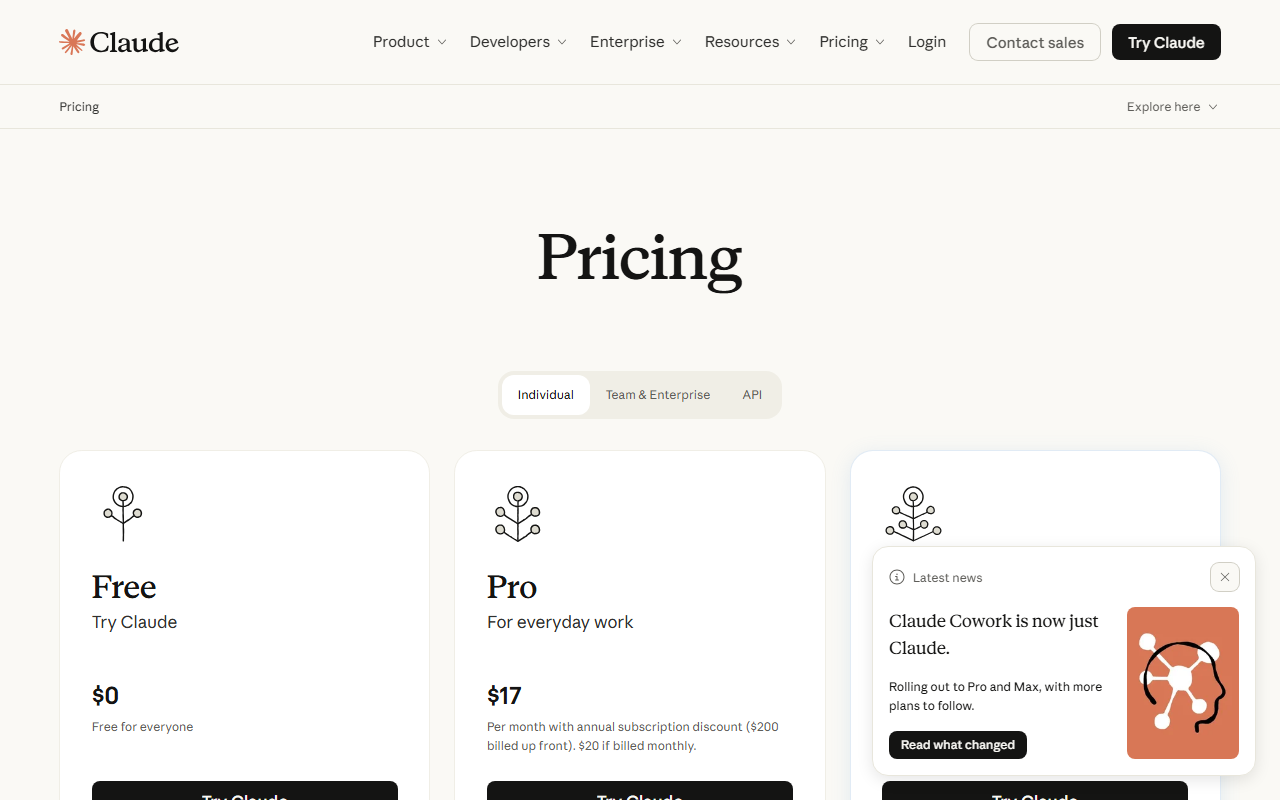
Which AI coding plans let buyers count what they get
Most AI coding plans meter usage in units buyers cannot count. Only Copilot, Kiro, Bolt, Lovable and Augment publish a monthly unit that can be priced.
Pham Cong10 min
Cursor review: the Plus, Premium, Super and Ultra plans on paper
Cursor suits developers happy with Grok models and a low entry price, but no tier publishes usage counts, so real limits are unclear.
Pham Cong11 min
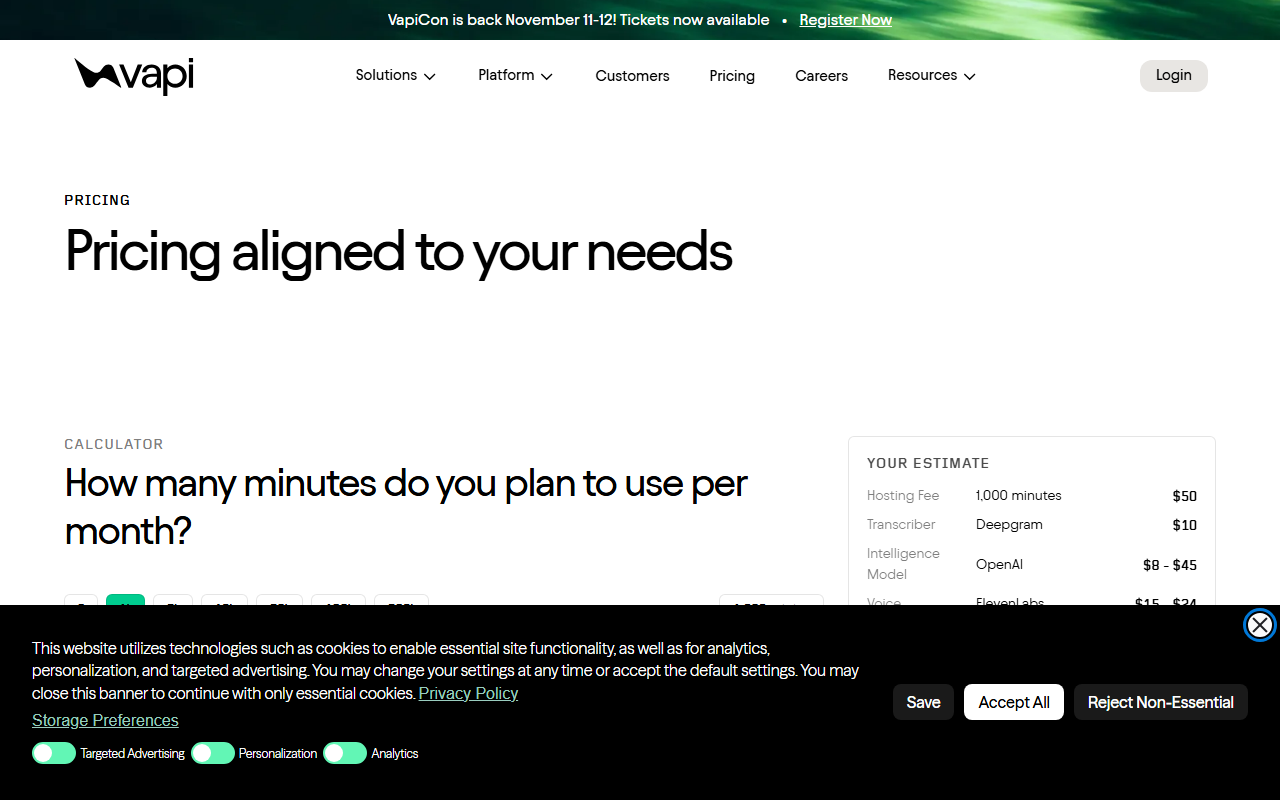
What a minute of an AI phone call costs across Vapi, Retell and ElevenLabs
Vapi and Retell itemize model costs on top of their per-minute fees, while ElevenLabs bundles voice and transcription. The cheaper option depends on call volume.
Pham Cong3 min
Comments
Join the discussion with your GitHub account. Be civil, stay on topic.