GitHub Copilot app now supports GitHub Enterprise Server
GitHub Copilot app now supports GitHub Enterprise Server accounts, so teams can work on self-hosted repositories, issues, and pull requests in one place.
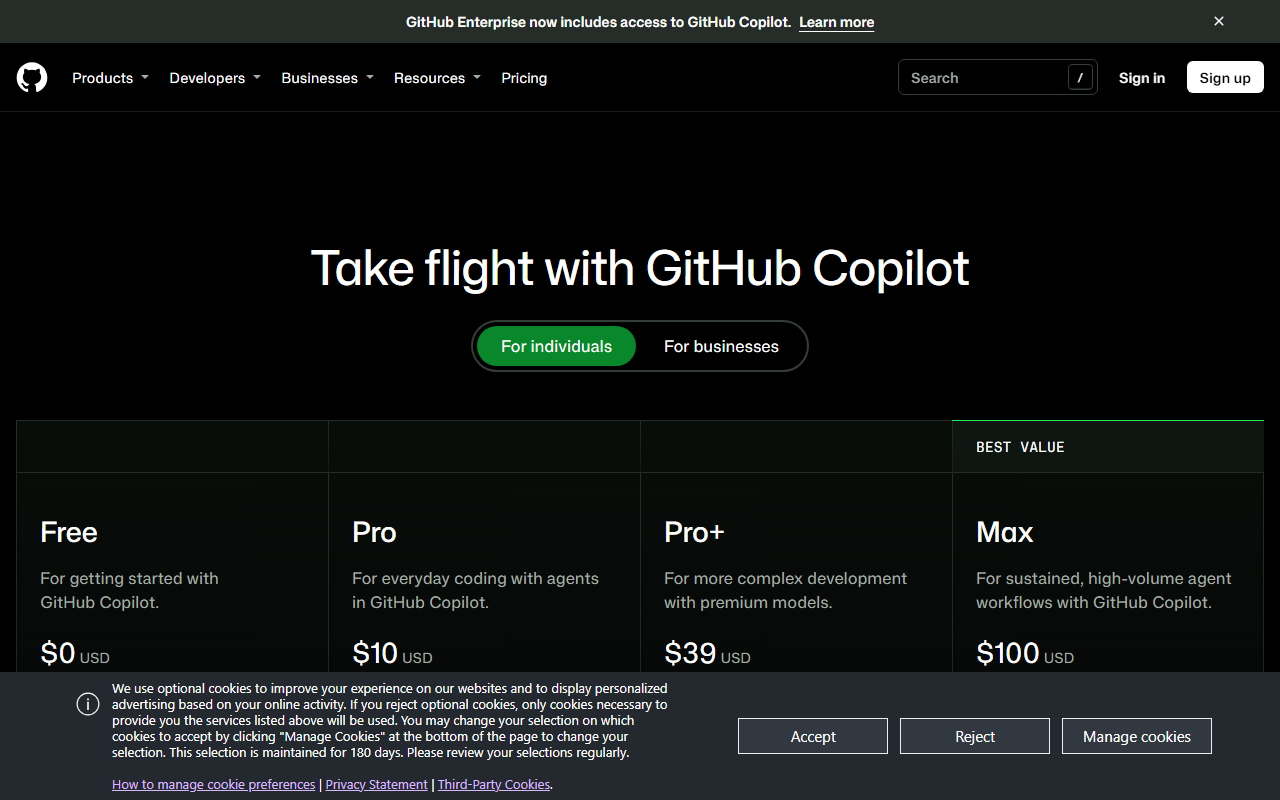
GitHub has added support for GitHub Enterprise Server (GHES) to the GitHub Copilot app. Users can now bring work from their GHES instances into the app by adding a GHES account, which lets them work with remote repositories, issues, and pull requests. The feature was previously an opt-in preview and is now generally available.
To connect a GHES account, users first need to sign in with a GitHub.com or GHE.com account. They then go to Settings > Accounts > Add account and choose GitHub Enterprise Server. The capability is available in GitHub Copilot app 1.2.0 and later. Cloud sessions are not available for GHES, so users working on those repositories should plan accordingly.
Why it matters
Enterprise teams that host code on self-hosted GHES instances can now work on those repositories, issues, and pull requests from within the Copilot app. The change closes a gap for organizations that had been waiting for the preview to become generally available. Teams that depend on cloud sessions will still need a different workflow for GHES projects.
What to do
Confirm that your GitHub Copilot app is on version 1.2.0 or later before adding your GHES account. Sign in with a GitHub.com or GHE.com account first, then follow the Settings path to add the GHES account. For current requirements and supported features, confirm the details on GitHub’s Copilot documentation.
The Stack Brief
Get the weekly brief
One email a week: SaaS pricing changes, launches worth knowing about, and one comparison you can act on.
Sources
Related stories
Gemini 4 Hydrogen Is Now Generally Available in GitHub Copilot
Google's Gemini 4 Hydrogen is generally available in GitHub Copilot, aimed at fast agentic coding and multistep workflows.
Pham Cong2 min
GitHub Copilot to retire six AI models on December 14
GitHub will remove six AI models from Copilot on December 14, 2026, and Enterprise and Business admins should confirm replacements are enabled first.
Pham Cong2 min
GitHub Copilot C++ language server now auto-configures MSBuild builds
The Microsoft C++ Language Server in GitHub Copilot CLI now sets up compile commands for MSBuild projects automatically, removing a manual step.
Pham Cong2 min
Comments
Join the discussion with your GitHub account. Be civil, stay on topic.