Gemini 4 Hydrogen Is Now Generally Available in GitHub Copilot
Google's Gemini 4 Hydrogen is generally available in GitHub Copilot, aimed at fast agentic coding and multistep workflows.
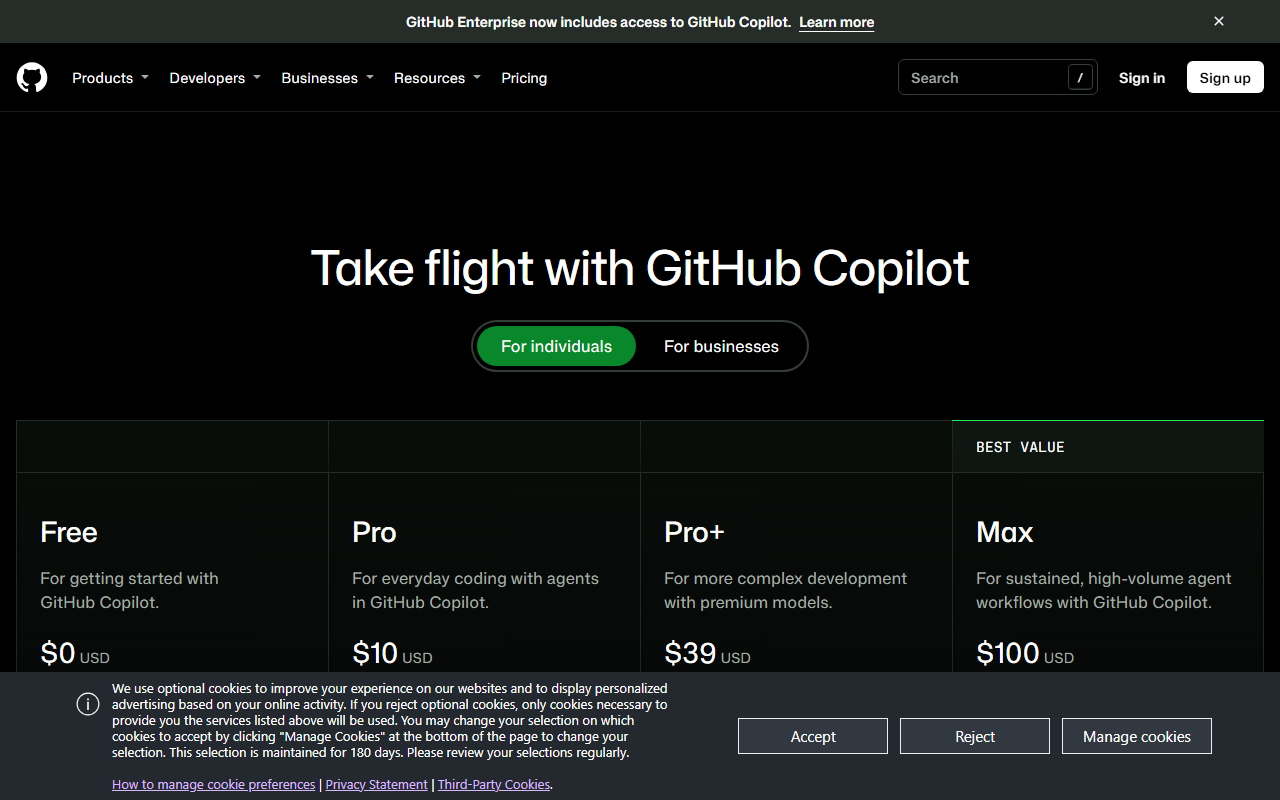
Gemini 4 Hydrogen, Google’s latest Flash model, is now generally available in GitHub Copilot. GitHub designed the model for fast, efficient agentic coding, tool use, and multistep workflows. It offers improved instruction following over Gemini 3.8 Flash.
Access covers Copilot Pro, Pro+, Max, Business, and Enterprise users. Developers can select the model in the model picker in Visual Studio Code, Visual Studio, Copilot CLI, the GitHub Copilot coding agent, the GitHub Copilot app, github.com, GitHub Mobile on iOS and Android, JetBrains IDEs, Xcode, Eclipse, and the Copilot SDK. GitHub says the rollout will be gradual, so users who do not see the model yet should check back soon.
The model is billed at provider list pricing under usage-based billing. Readers should review the Models and pricing page for GitHub Copilot for details.
Why it matters
Model choice shapes how well an assistant handles long, multistep coding tasks, so a faster Flash-class option gives teams another tool for agent work. Usage-based billing means heavier agentic use will show up directly in costs. Administrators on Business and Enterprise plans also control whether the model is available to their developers.
What to do
Check the model picker in your editor or on github.com once the rollout reaches your account. Before rolling the model out across a team, confirm current rates on GitHub’s Models and pricing page. Business and Enterprise administrators should review the model policy in Copilot settings, since new models are enabled by default unless the global default has been turned off.
The Stack Brief
Get the weekly brief
One email a week: SaaS pricing changes, launches worth knowing about, and one comparison you can act on.
Sources
Related stories
GitHub Copilot app now supports GitHub Enterprise Server
GitHub Copilot app now supports GitHub Enterprise Server accounts, so teams can work on self-hosted repositories, issues, and pull requests in one place.
Pham Cong2 min
GitHub Copilot to retire six AI models on December 14
GitHub will remove six AI models from Copilot on December 14, 2026, and Enterprise and Business admins should confirm replacements are enabled first.
Pham Cong2 min
GitHub Copilot C++ language server now auto-configures MSBuild builds
The Microsoft C++ Language Server in GitHub Copilot CLI now sets up compile commands for MSBuild projects automatically, removing a manual step.
Pham Cong2 min
Comments
Join the discussion with your GitHub account. Be civil, stay on topic.