Why usage-based pricing is gaining ground on per-seat plans in automation tools
Automation vendors bill by tasks, credits, or executions, so cost tracks workflow volume rather than headcount. That shift favors some teams and penalizes others.
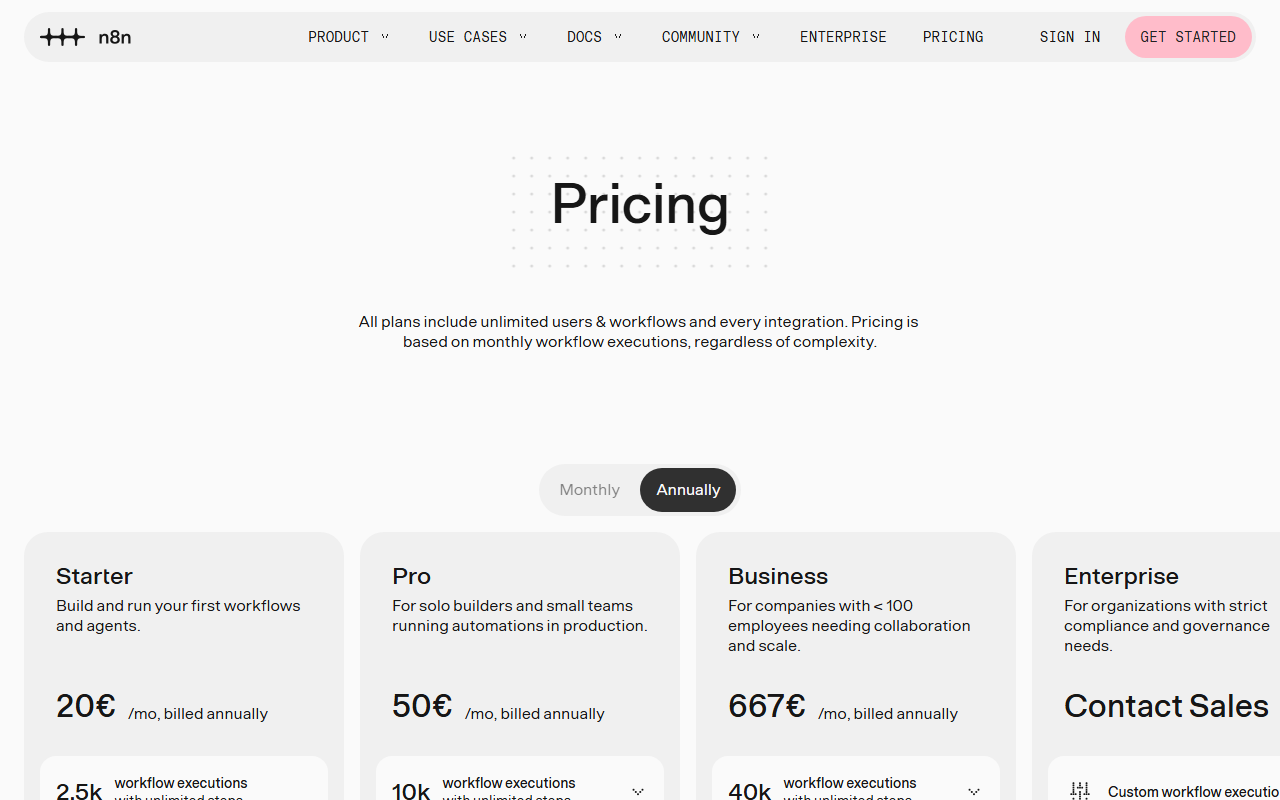
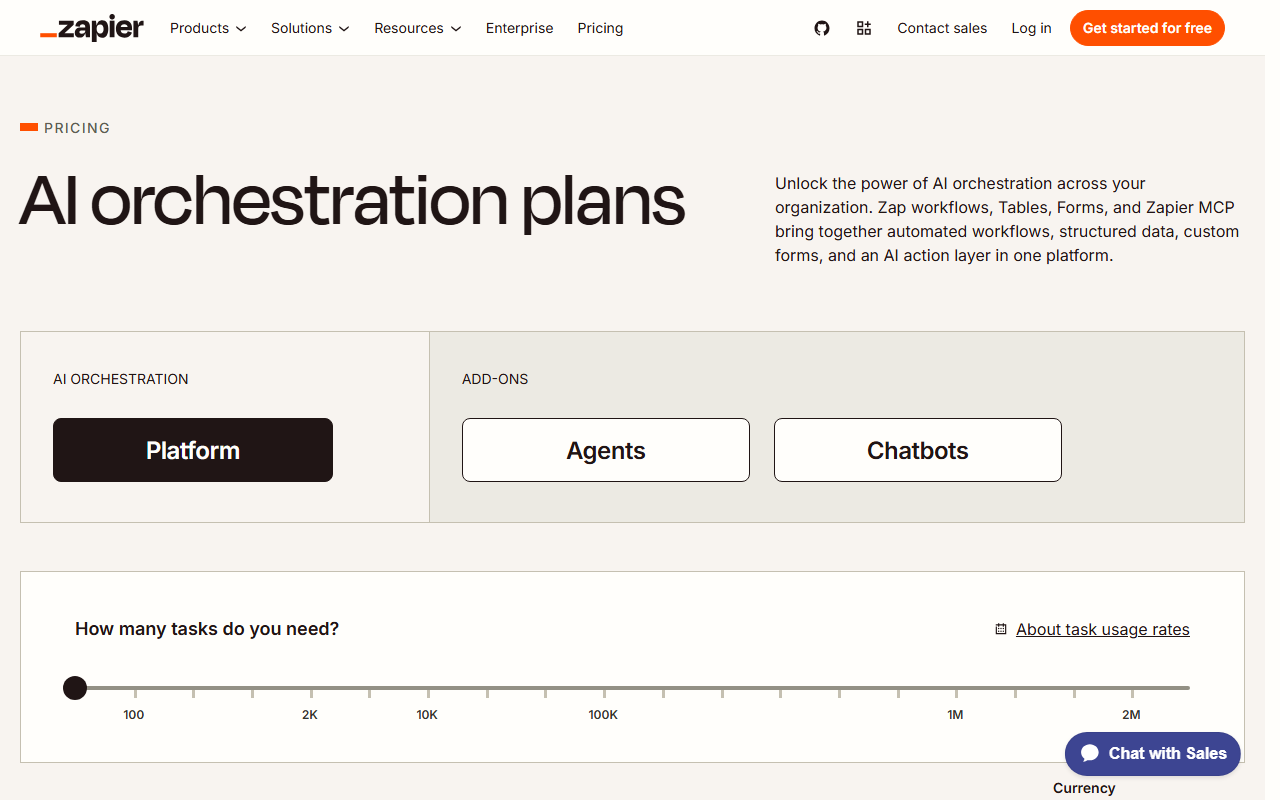
Automation tools are moving away from the idea that a person should pay for a seat. Zapier bills per task, Make bills per credit (called operations until August 2026), and n8n bills per workflow execution. Each meter counts something different, so the same automation can produce very different bills. The trend suggests that cost now follows how much automated work runs, not how many people log in. That is a better fit for teams that run many workflows with few users, and a harder one for teams that want predictable budgets.
The same workflow, three different meters
Consider a ten-step workflow that runs 1,000 times a month. On Zapier, that workflow is roughly 9,000 tasks. On Make, it is about 10,000 credits. On n8n, it is 1,000 executions, because n8n counts each run of the workflow rather than each step.
| Tool | Billing unit | Approximate usage for a ten-step workflow run 1,000 times a month |
|---|---|---|
| Zapier | Task | About 9,000 tasks |
| Make | Credit | About 10,000 credits |
| n8n | Workflow execution | About 1,000 executions |
These numbers are not a direct price comparison. Each platform includes a different allowance in each plan, and the price per unit varies by tier. The point is that the unit of measurement changes the apparent volume by a wide margin. A buyer who compares only plan names or monthly headline prices may miss how fast the units are consumed.
On n8n, the Community Edition is free to self-host. The n8n Cloud plan starts at 20 euros per month for 2,500 executions. Make Core is listed at $9 per month on annual billing. Readers should confirm current allowances, limits, and overage rules on each vendor’s site, since those details change and are not covered here.
Why usage pricing fits automation better than seats
Seat pricing assumes that value scales with the number of people using a tool. Automation often works differently. A single operator can build workflows that run thousands of times a month without anyone touching the tool. Under a seat model, that operator’s team might pay little while the system does a large amount of work. Under a usage model, the bill rises with the work.
This suggests that usage-based pricing aligns cost with the value a team gets from automation. It also means the cost is tied to decisions about workflow design. A workflow with many small steps may be expensive on a per-task or per-credit meter, while the same logic packed into fewer executions may cost less on a per-execution meter. Those trade-offs are inference based on how these billing units work, not a measured result from any vendor.
The model also rewards teams that can self-host. Because n8n Community Edition is free to self-host, a team with the technical capacity can remove the usage meter from its cost structure entirely. That option is likely to matter most for high-volume workflows, where any metered platform will charge the most.
Where the model has limits
Usage pricing makes budgets harder to forecast. A workflow that runs 1,000 times in one month may run 3,000 times the next after a new sales campaign or a data sync change. Teams that once paid a fixed amount per user may find their invoices swing with business activity. Finance teams often prefer predictable spend, so this is a real trade-off.
Seat pricing still has advantages for some organizations. It is easier to explain to a manager, easier to budget, and simpler to compare across vendors. A team with many light users and few heavy workflows may find seats cheaper or at least easier to control. The shift away from seats is therefore not universal. It is most visible in tools where the work happens in the background, not in the hands of named users.
What to do
Start by estimating how many runs each workflow makes per month, and multiply by the number of steps to see how each platform’s meter would count them. Compare the same workflow on each vendor’s current pricing page rather than relying on headline plan prices. If your workflows run at high volume, test whether self-hosting n8n is realistic for your team’s skills and infrastructure. Set a monthly usage alert on any metered plan so that growth in automation does not turn into an unexpected bill.
Compare the tools in this story



The Stack Brief
Get the weekly brief
One email a week: SaaS pricing changes, launches worth knowing about, and one comparison you can act on.
Sources
Related stories
Per-execution pricing is quietly winning the automation market
Zapier bills by task, Make bills by credit, n8n bills by workflow run. The unit you are charged on now matters more than the price on the page.
Pham Cong2 min
n8n keeps a free self-hosted edition while Cloud starts at €20 a month
n8n's Community Edition stays free to self-host with no workflow or execution limits, while its hosted Cloud plan starts at €20 a month.
Pham Cong2 min
The Stack Brief: newsletter platforms tilt toward creators, and the automation price war heats up
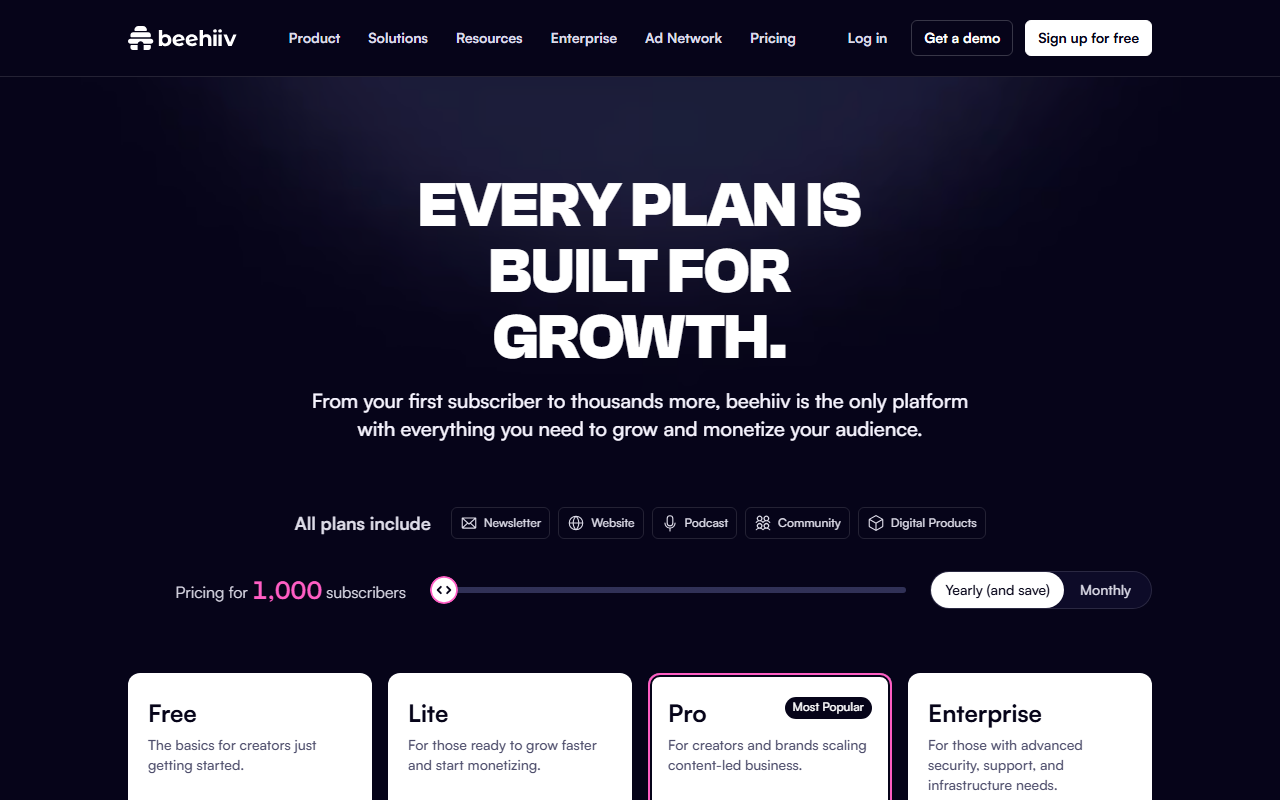
This week: how Kit and Beehiiv are pricing the newsletter market differently, why per-execution billing is the automation story to watch, and one comparison worth your time.
Pham Cong2 min
Comments
Join the discussion with your GitHub account. Be civil, stay on topic.