Google Gemini pricing page adds new per-second and per-image rates
Google's Gemini pricing page now lists new per-second, per-image and dated rates, which could change cost estimates for API users.
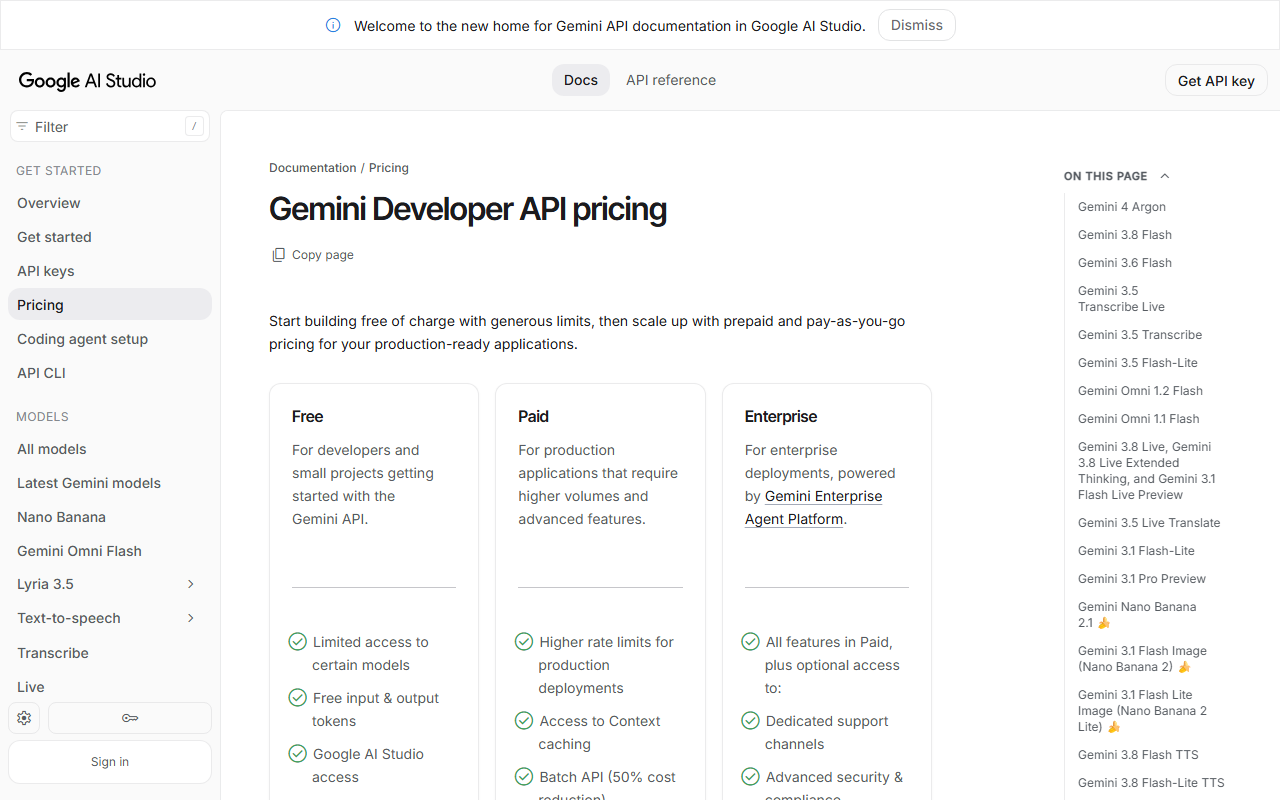
Google’s public pricing page for Gemini has changed. Several price lines now appear that were not on the page before, and no earlier lines have been removed. The new entries include a $0.075 rate that applies through December 31, 2026, and a separate $0.075 rate starting January 1, 2027.
The page also adds per-second rates that appear to apply to generated clips. The approximate rate is $0.07 per second, which the page illustrates as about $0.70 for a 10-second clip and about $1.04 for a 15-second clip. Pricing varies by resolution. The page lists $0.023 per second for 360p at 1,931 tokens per second, $0.104 per second for 1080p with upsampling at 8,688 tokens per second, and $0.209 per second for 4K with upsampling at 17,376 tokens per second. A $0.0702 per-image rate also appears.
The change was found by an automated comparison of the page on November 6, 2026. The difference held on two consecutive checks. The page does not attach plan names to every figure, so the tier each rate applies to is not always clear.
Why it matters
Cost estimates built from earlier Gemini listings may now be out of date. Per-second pricing that varies with resolution can make spending rise quickly as clip length and output quality increase. The dated rate change also means costs scheduled for 2027 differ from those in effect now.
What to do
Check the live pricing page and confirm which plan each figure applies to before budgeting. Recalculate expected spend for the clip lengths and resolutions you actually use, and note the January 1, 2027 change date in any forecast.
The Stack Brief
Get the weekly brief
One email a week: SaaS pricing changes, launches worth knowing about, and one comparison you can act on.
Sources
Related stories
Google Labs launches Tabletop, a shared space for group planning
Google Labs is testing Tabletop, a customizable space where groups can plan and play together, with access available through a waitlist.
Pham Cong2 min
Ahrefs removes a $1,499 monthly price from its pricing page
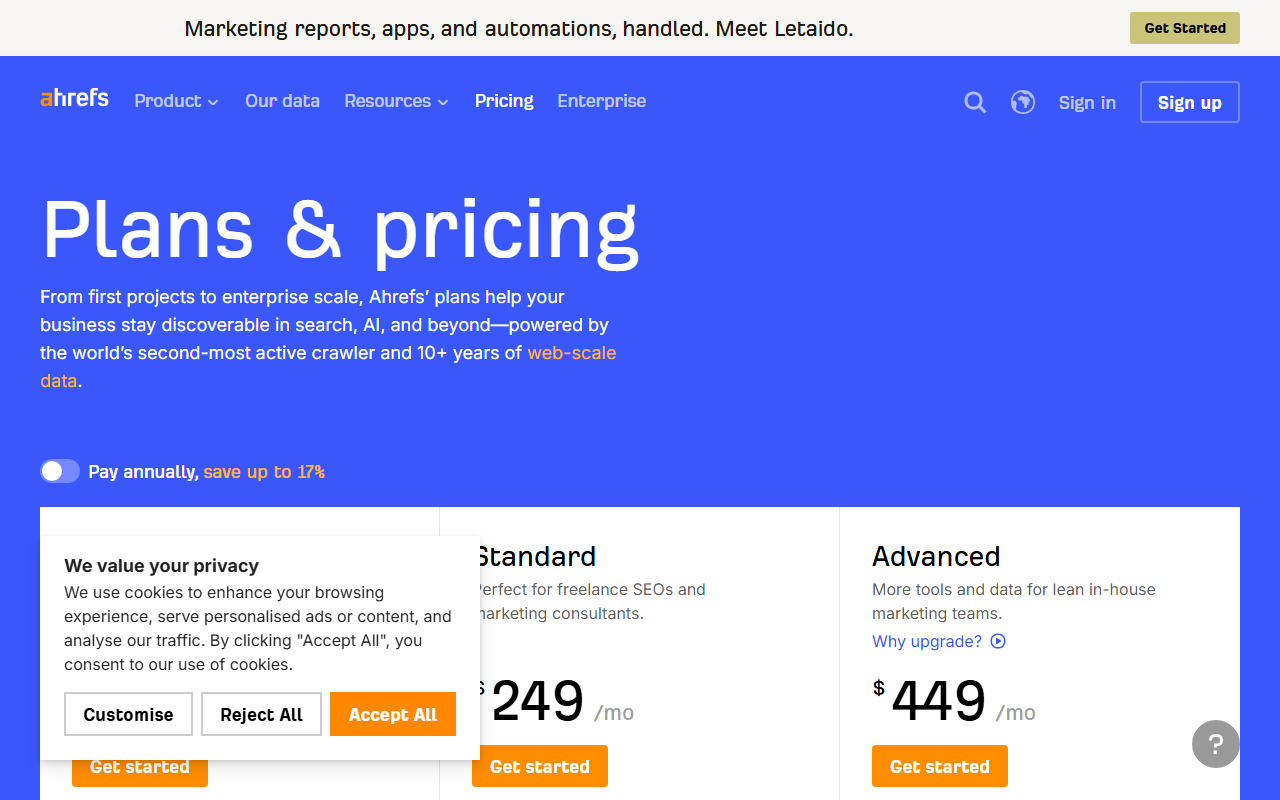
Ahrefs's pricing page no longer shows a $1,499 per month Enterprise price, and no new price lines appeared. Check current plans directly.
Pham Cong2 min
Jackery raises Explorer 1000 v2 to $559 as Early Black Friday sale starts
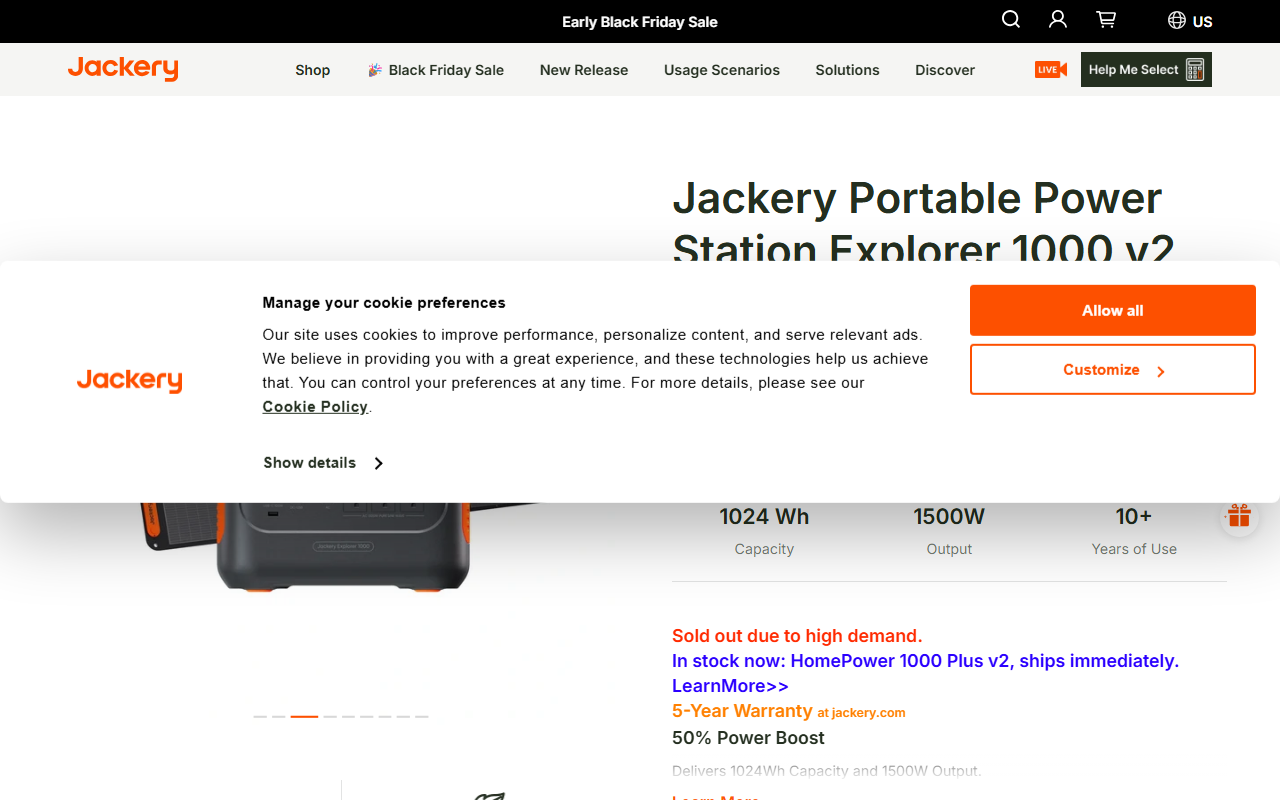
Jackery's US store raised the Explorer 1000 v2 to $559, which makes the Explorer 1000 Plus the cheaper Jackery per watt-hour.
Pham Cong2 min
Comments
Join the discussion with your GitHub account. Be civil, stay on topic.